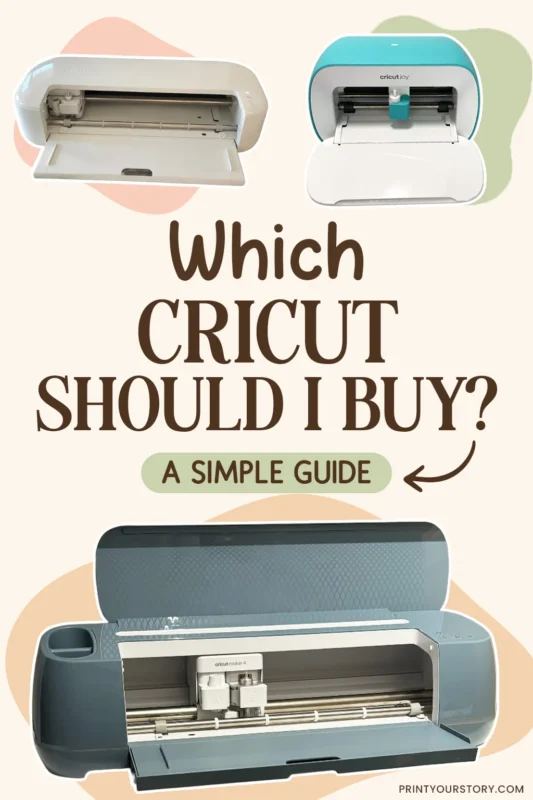
Which Cricut Should I Buy? The Best Cricut Machine for Your Projects
If you are thinking about buying a Cricut, choosing the machine can easily become the most confusing part.
There are several Cricut models and the names look very similar. Each Cricut also seems to have a list of features that can overwhelm a new buyer.
The good news is that you probably do not need the most expensive Cricut. The best Cricut machine is the one that fits the projects you actually want to make.
Quick answer: The Cricut Explore is the best Cricut for most beginners and hobby crafters. The Maker models offer more materials and specialist tools, while the Joy machines are compact options for smaller projects.
In this guide, I will explain the differences in simple terms so you can decide which Cricut is right for you.
What is a Cricut machine?
New to Cricut? A Cricut is an electronic cutting machine that cuts materials such as cardstock, vinyl and iron-on from designs you create or choose in Cricut Design Space. Some machines can also draw, score, foil and more.
A Cricut is not a printer. For Print Then Cut projects, you print your design with a separate home printer first, then the Cricut scans and cuts around it.
All current Cricut machines use the free Cricut Design Space app. Cricut Access is optional; you do not need a subscription to use your machine or upload your own files.
Which Cricut is best for you?
Cricut Maker: the most versatile Cricut
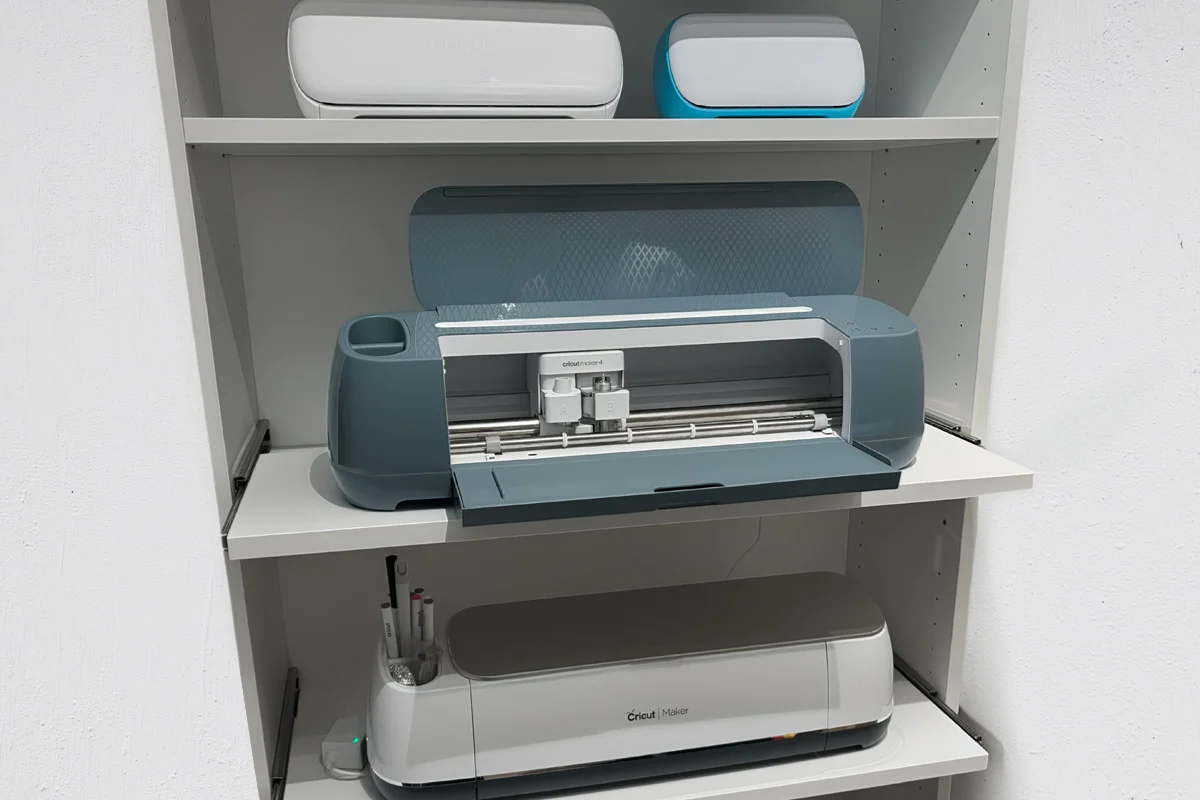
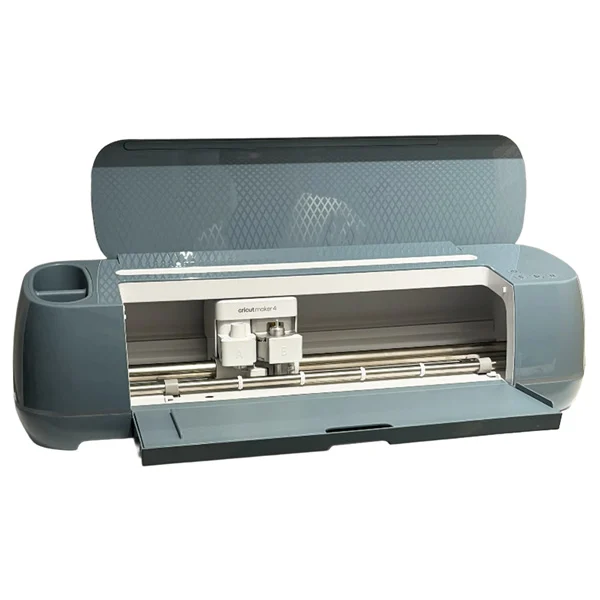
The Cricut Maker can make everything the Explore can, but works with even more materials and tools, from simple paper crafts to engraving and debossing. I own an original Maker and a Maker 4, and I like having the extra options for fabric, engraving, debossing and more advanced crafts.
- Best for
- Crafters who want plenty of room to try different techniques
- Remember
- It only cuts certain thin craft woods and is not a replacement for a laser cutter
Cricut Explore: a good all-around option
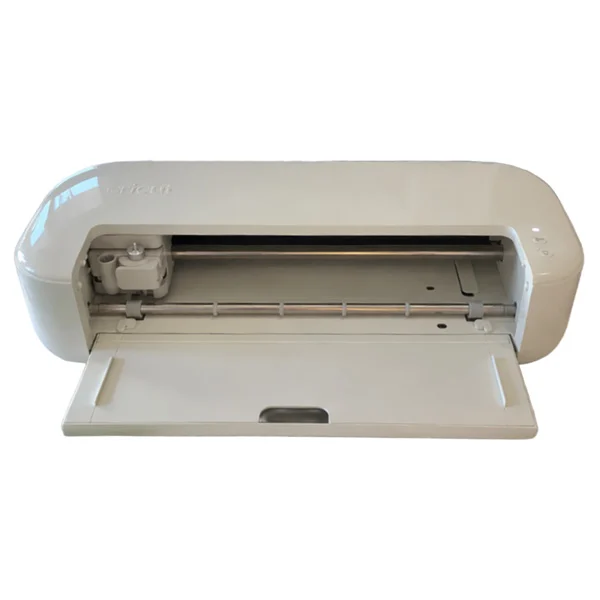
The Cricut Explore is my recommendation for most beginners. It works well for stickers, shirts, cards, vinyl decals and paper crafts.
- Best for
- Most Cricut projects without the advanced Maker tools
- Remember
- You want to cut fabric or thin craft wood, or try engraving and debossing
Cricut Joy: best for small projects
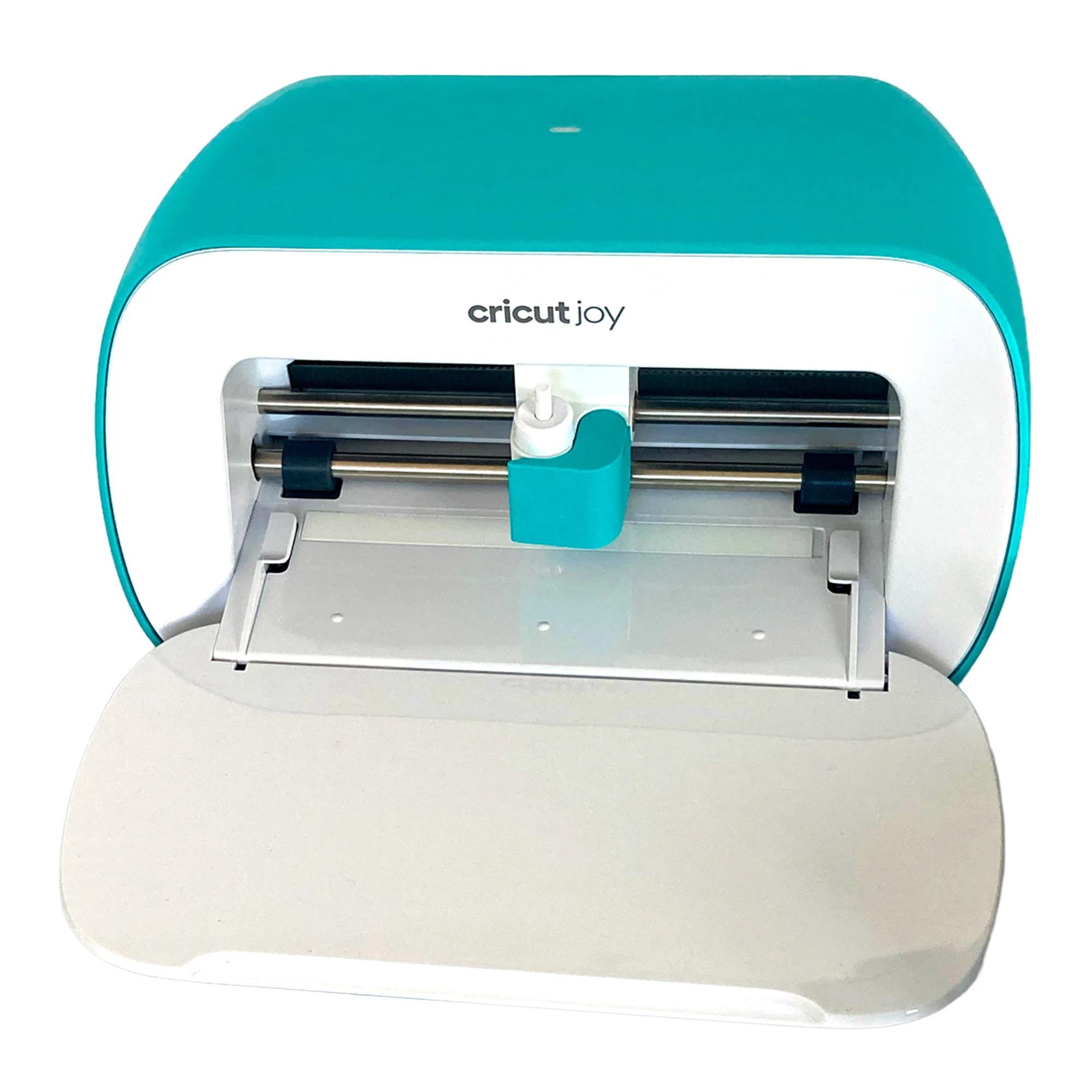
The Cricut Joy is small, easy to store and convenient for quick cards, labels and small vinyl decals. I own the original Joy and love its compact size, but I would find the narrow cutting area limiting if it were my only Cricut.
- Best for
- Cards, labels and quick projects
- Remember
- You want to make wider shirt designs or larger paper crafts
Cricut Joy Xtra: best compact option
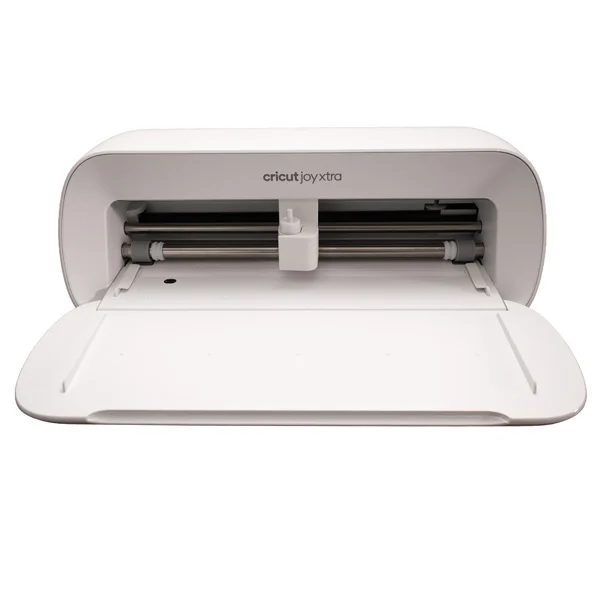
The Joy Xtra is more flexible than the original Joy and works well for stickers, cards, labels and many shirt designs. I own one and find it useful when I want a compact machine, although its cutting area is still narrower than the Explore and Maker.
- Best for
- Stickers and everyday projects in a smaller craft space
- Remember
- You regularly want to make larger designs
What about Cricut Venture?
Cricut Venture is designed for extra-large projects and higher-volume production. For most home crafters, one of the smaller machines will be a more practical choice.
So, which Cricut should I buy?
For most beginners, I’d choose a Cricut Explore. It’s versatile enough for most everyday projects without paying for features you may never use.
If you already know you want to work with a wider range of materials and specialty tools, I’d choose a Cricut Maker instead. For small projects, cards and labels, the Cricut Joy is a great compact option, while the Joy Xtra gives you a little more flexibility.
I own several Cricut machines myself, but the one I’d choose really depends on the projects I want to make.
Write down the first three projects you want to make and choose the least expensive machine that can make all of them. That leaves more of your budget for the fun part: actually making things.
You might also like